
Home › Fire Kirin Backend
Fire Kirin Backend and Admin Panel
The panel is where you run the Fire Kirin business. Players see the fish hall; you see the controls behind it.
Tasks you handle from the panel
Player setup
Set up a player username and password in moments and send it over.
Recharge & redeem
Add credits when a player pays and pull them back when they withdraw.
Records
Trace any transaction and keep your own figures straight.
Admin login vs agent login
Only the higher Fire Kirin login can add agents. Agent logins handle players only. Share your expected player numbers and we will recommend a tier.
Keeping credits topped up
Your balance is prepaid. When the balance drops, message us, prepay the next order and it lands in the same panel. Rates follow order size, so we only share them in chat.

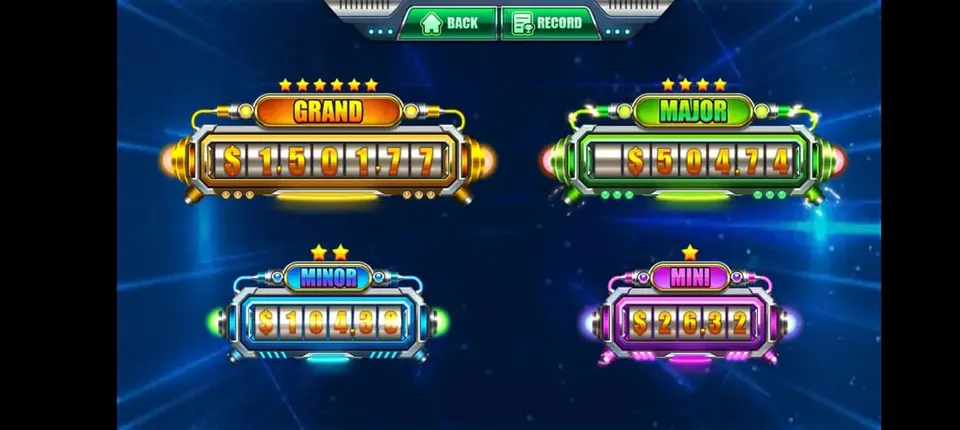
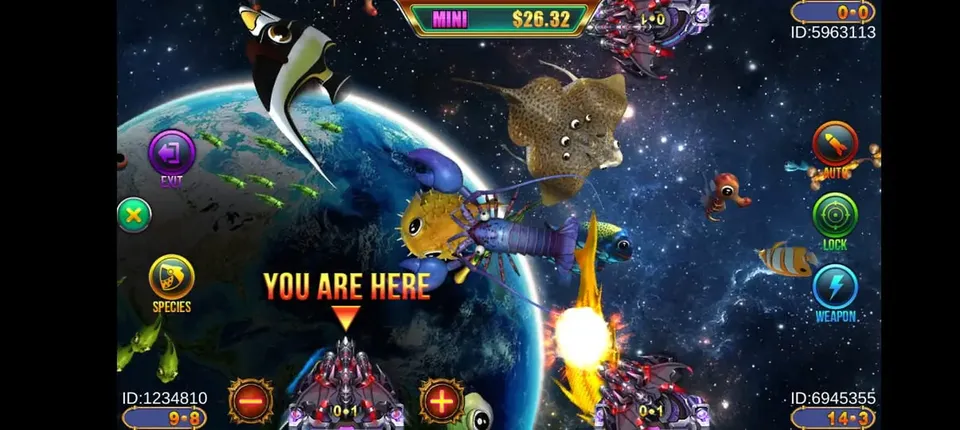

Fire Kirin game specs
What operators want to know before opening a Fire Kirin panel.
System specs
| Category | Play-at-home |
| Platform | Cloud backend, browser panel |
| Player apps | Android, iOS |
| Billing | Prepaid credits only |
| Average theoretical hold | 20–49% |
| Account levels | Distributor, sub-distributor, agent |
Game count
Backend features
- Famous multiplayer fish tables
- Same developer as Orion Stars
- Separate logins for every staff member
- Create players, recharge and redeem in seconds
- Transaction history and reports
- Works on phone, tablet or PC
Access links
Player download: start.firekirin.xyz:8580
Agent panel: firekirin.xyz:8888
We send your login once you pick a tier.
A tour of the Fire Kirin agent panel
Signing in at the agent address takes you to the Fire Kirin home screen. Your credit balance sits at the top, the people under you are listed below, and a search bar finds any username instantly. The left-hand menu carries the everyday tools: new account, recharge, redeem, transaction log and password reset. Every staff login only shows the branch assigned to it.
Tasks you will repeat all day
Adding a player
Click the new account option, choose a username and password and save. That player can open the app and sign in right away. Giving every username the same short prefix, such as two letters for your business and a running number, keeps your list tidy as it grows.
Recharging
After a player pays, look them up and enter the credit amount. Their balance rises and yours drops by exactly that figure, in the same second.
Cashing out
When a player wants to withdraw, redeem from their balance. The redeemed amount returns to your balance, and the player is paid however you both arranged. The log records both sides.
Password resets and freezes
"I forgot my password" will be your most frequent message. A reset takes a moment. If an account seems shared or misused, freeze it from that same page.
Distributor login compared with agent login
The Fire Kirin distributor login can create agents, see each agent balance and pass credits downward. Agents have every player tool but no option to add other agents. Selling to other sellers needs the distributor tier; looking after only your own players does not.
Reading the transaction log
Each recharge and redeem lands in the log with the exact time. Narrow it by username or by day whenever a player questions a balance. Keep a simple notebook or spreadsheet too, with day, player, credits in and credits out, and line it up with the log before you close.
No install for operators
Because the panel is a website, it opens on a laptop, tablet or phone. Keep Chrome, Safari or Edge current, and sign out after using someone else’s device.
Keeping your Fire Kirin panel safe
- Use a long, unique password for the panel.
- Hand each staff member a login of their own.
- Glance through the log every day for anything odd.
- Message us the moment you suspect your login has leaked.
Getting a panel of your own
All new clients receive a blank Fire Kirin panel to try every step above at no cost. Once happy, ask for a rate and fund it. The app install guide and the FAQ are good next reads.
Run by Gamebridge API
Need more than Fire Kirin? The main site lists all our platforms, including a Fire Kirin page.